The welcome email that gets your guest to book more
The confirmation email is your most-opened message. On average 60 to 80 percent of guests open it, versus 20 to 30 percent for a newsletter. And what do most accommodations do with that attention? Send a dry confirmation and call it a day.
The problem
Your guest just booked. He's enthusiastic, has your name fresh in his head, and wants to know what awaits. That's exactly the moment to help him, set expectations, and gently offer options that make his stay better.
But most welcome emails do the opposite. They repeat reservation details in a template, add a link to cancellation terms, and stop. The guest closes it, and you've missed a chance.
It's not about hard selling. It's about smartly using an email he's opening anyway.
What goes in a good welcome email
A strong welcome has three layers: confirmation, practical info, and a gentle upsell. That order isn't random. Put upsell first and the email feels like ads. Put it at the bottom and most guests don't read it. The middle, shortly after confirmation, is the right spot.
Here are the seven sections in the right order:
| Section | Goal | Length |
|---|---|---|
| Confirmation + reservation details | Build trust, check it's right | 3 to 5 lines |
| Personal greeting | Set tone, make it human | 1 to 2 sentences |
| Practical info: check-in, parking, key handover | Answer before asked | 3 to 6 bullets |
| Gentle upsell: breakfast, late checkout, package | Extra revenue, better stay | 2 to 4 lines |
| Local tip or promise | Set expectations, stand out | 2 to 3 sentences |
| Link to direct info or FAQ | Catch questions, help you | 1 line |
| Contact line | Easy to reach | 1 sentence |
Seven sections sounds like a lot, but with good formatting using headings and bullets a guest reads this in under two minutes.
An example
Below is concrete copy for a bed and breakfast with breakfast option. Adjust details for your situation.
Subject: Your booking at [Accommodation Name]: everything you need
Hi [First name],
Great news: your booking is confirmed. Below you'll find everything you need.
Your reservation Arrival: [date], check-in from 3:00 p.m. Departure: [date], check-out by 11:00 a.m. Room: [room type] Confirmation number: [number]
Practical
- Address: [address], parking available on the driveway (let us know if you're coming by car)
- Front door open until 9:00 p.m. Arriving later? Send a message, we'll arrange key handover.
- WiFi code you'll get when you arrive.
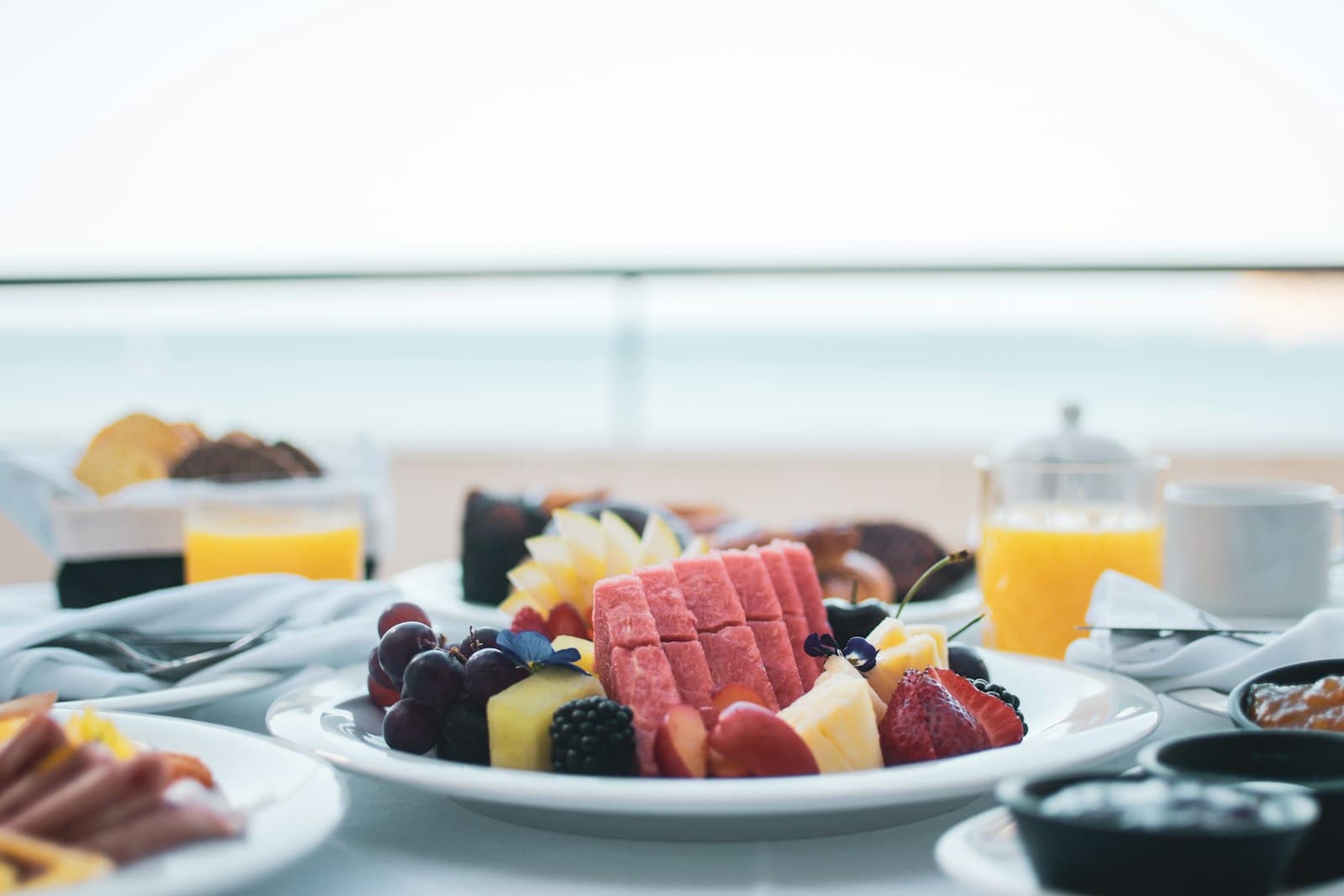
Want breakfast? We serve fresh breakfast every morning from 7:30 to 9:30 a.m.: bread, spread, fruit, and something warm. 13 euros per person, no VAT, pay at checkout. Let us know via [link or email] if you'd like to add it, and we'll have it ready.
Exploring the area? We'll give you a short list when you arrive of our favorite spots in walking distance: a good restaurant for dinner, a quiet walking path, and a local market if you're here on the right day.
Questions before you arrive? Check [link to FAQ or contact page] or send a message via [email or phone].
See you soon. [Name], [Accommodation Name]
Common mistakes
Upsell too early in the email. The guest just booked and first wants to know his reservation is right. Start with confirmation, or the email reads like a sales trick.
Too many offers at once. One upsell works. Three together (breakfast, late checkout, wine bottle, romantic package) overwhelm. The guest hits choice fatigue and clicks nothing. Maximum 2.
No price mentioned. "Ask about our welcome drinks" works worse than "Champagne in your room on arrival: 18 euros, no VAT." Clear pricing lowers the barrier to yes.
Same email for everyone. A family of four needs different info than a solo business traveler. Make at least two versions if you can segment them in your PMS.
Sending manually. If you send the confirmation manually, you forget it when busy, or send it too late. Automate via your PMS or booking module: set once, runs automatically every booking.
Quick test without automation
No automated email flow yet? Put the text in a template in Gmail or Outlook and send manually. Copy-paste takes 30 seconds per guest. After a month you know if the upsell works, then automate.
The gentle upsell closer look
A gentle upsell is an offer making the guest's stay better, not one helping your revenue. The difference sits in tone.
Bad: "Book our deluxe breakfast package now for an unforgettable morning." Good: "We serve breakfast every morning from 7:30 to 9:30 a.m. Cost: 13 euros per person, no VAT. Let us know if you'd like to join."
The second is honest, concrete, and respects the guest's choice. That kind of offer converts better and leaves a better impression, even if the guest says no.
Good upsell options for small accommodations:
- Breakfast (especially if not standard)
- Late checkout for a set amount or hourly rate
- Parking if it's scarce nearby
- Bottle of wine or welcome drink in the room
- Package or activity you can arrange with a local partner
No discount needed
Guests expect no discount in the confirmation email. An honest offer for something that makes their stay nicer is enough. Discounts eat your margin and create the expectation there's always a cut possible.
How this email fits in your full flow
The welcome email doesn't stand alone. It's the first in a series taking each guest through their journey: confirmation, pre-arrival, and after their stay a review request. Who only tackles this one email misses 3 to 4 other contact moments that together make the difference between 1 booking and a guest who comes back.
Start with the bigger picture. In the complete email marketing guide for hotels you read which emails in what order each moment delivers on average. Want to dig deeper into retention strategy? The email retention hub bundles the pieces into one system.
Calculate two numbers for yourself: how many bookings per month and what part are returning guests? At 40 bookings with 4 repeat, each percent improvement in retention directly brings revenue without ad costs. That's what the welcome email builds toward.
What you can do now
Welcome email takes no time. It's one-time work: write the text, set the template, verify it pulls the right info from your booking system. After that it runs with every new booking.
Read also what goes in the pre-arrival email: that goes 3 to 5 days before arrival with different job than welcome. And if you want guests to leave reviews after their stay, read how to set up the post-stay email for reviews.
A good welcome email is also your first step toward a guest who books again. How to turn one-time guests into repeat guests and retention read separately, with math per accommodation type.
Want to automate your whole email flow? That works via a simple link between your booking module and email provider. Read how in email automation for hoteliers with n8n, or see what Hotelmark sets up for you at automation.
Want to know what every extra direct booking and upsell brings you? Calculate through with the savings calculator.
Frequently asked questions
When do you send the welcome email?
Can I offer breakfast or late checkout in a confirmation email?
What if my PMS doesn't support this?
How long should the welcome email be?
Should I send welcome and pre-arrival separately?
What's realistic upsell revenue?
Does welcome email help with repeat bookings?
A concrete tip in your inbox each month
Practical marketing and automation tips for small-scale accommodations. No sales talk, unsubscribe anytime.
Your email address is only used for these emails and never shared. You can unsubscribe from any email. See the privacy policy.