Email automation for hoteliers with n8n: the basic flows
Every time a guest books, arrives, departs, or has a birthday a year later, there's something to do. Send an email, schedule a reminder, prepare a review request. If you do it manually, you forget it when busy or do it inconsistently. Email automation, emails that send automatically based on a trigger, takes over that work.
This article explains which five flows deliver the most, how a trigger works, and why n8n (open-source automation software) is a real option for small accommodations too. Want to see the whole field before diving into flows? Read the complete guide to email marketing for hotels.
The problem with manual emailing
Manual emailing works to a point. At 5 bookings per month you manage it. At 25 it starts to slip. At 50 or more you miss half.
The problem isn't reluctance. It's that manual emailing depends on your attention at the right moment. That moment rarely aligns with when it's best for the guest: right after booking, exactly 4 days before arrival, the day after departure.
Automation solves that. You write the email once, set when it should send, and then it runs automatically with every booking. No guest is forgotten. No opportunity missed.
How a trigger works
A trigger is the event that starts an automated flow. No trigger, no email.
Most triggers are either time-based or action-based.
Time-based triggers work with a time difference relative to a date in your system: "send 4 days before arrival date" or "send 1 day after departure date." Action-based triggers are activated by something happening in your system: "new booking created" or "booking canceled."
Most PMS systems have basic triggers built in. Want more flexible triggers, connect multiple systems, or build flows your PMS doesn't support? Then you need a tool like n8n.
The 5 flows every accommodation should run
| Flow | Trigger | Goal |
|---|---|---|
| Confirmation email | New booking created | Confirm trust, offer soft upsell |
| Pre-arrival email | 4 days before arrival | Set expectations, check-in instructions, last options |
| Post-stay/review email | 1 day after departure | Request review, keep door open for return |
| Birthday or win-back | Birthday or 1 year since last stay | Activate returning guest, encourage direct booking |
| No-show follow-up | No check-in scan on arrival day | Understand situation, prevent repeat damage |
Each flow has a different goal and timing. They reinforce each other, but you don't need everything at once. Start with the first two and add the rest as they run.
Flow 1: The confirmation email
This is the most-opened email you'll ever send. On average 60 to 80 percent of recipients open it, versus 20 to 30 percent for a newsletter. That's your moment.
The confirmation email confirms the reservation, gives practical info (check-in, parking, key), and includes one soft upsell. Breakfast, late checkout, a welcome drink. One option, with price, no frills.
Read how to build the welcome email that gets guests to book more, including a complete example.
Flow 2: The pre-arrival email
This goes 3 to 5 days before arrival. The guest is now in planning mode and happy with practical info. Route directions, parking tips, how key handover works outside office hours, local restaurants for the first evening.
This is also the email where you can add a gentle last reminder about options the guest skipped during booking.
Read what goes in the pre-arrival email.
Flow 3: The post-stay/review email
Send it the day after departure. The experience is fresh, the guest is home and settled. This is the moment for a short thank you and a direct link to your review page: Google, Booking.com, or wherever matters most to you.
No long email. Two paragraphs and a button. Read how to set up the post-stay email for reviews.
Flow 4: Birthday or win-back
If a guest left a birthday or it's been a year since they last stayed, that's a reason. No discount needed, but a personal tone. "We miss you" works better than a promotional email that looks like a newsletter.
Win-back works best on guests who've stayed more than once. They know you already and need less convincing.
Flow 5: No-show follow-up
The least set up flow, but not the least important. If someone doesn't arrive, you want to know why. Was it a mistake, an emergency, or deliberate? A short, friendly email the next morning gives you that info and leaves the door open for a rebooking conversation.
Where n8n fits in
Many PMS systems have the first two flows built in. They send confirmation automatically and let you set up a pre-arrival email. You get that far without extra tools.
But once you want to build win-back flows, automate no-show follow-up, or create a flow combining data from different systems, your PMS hits its limits. That's where n8n comes in.
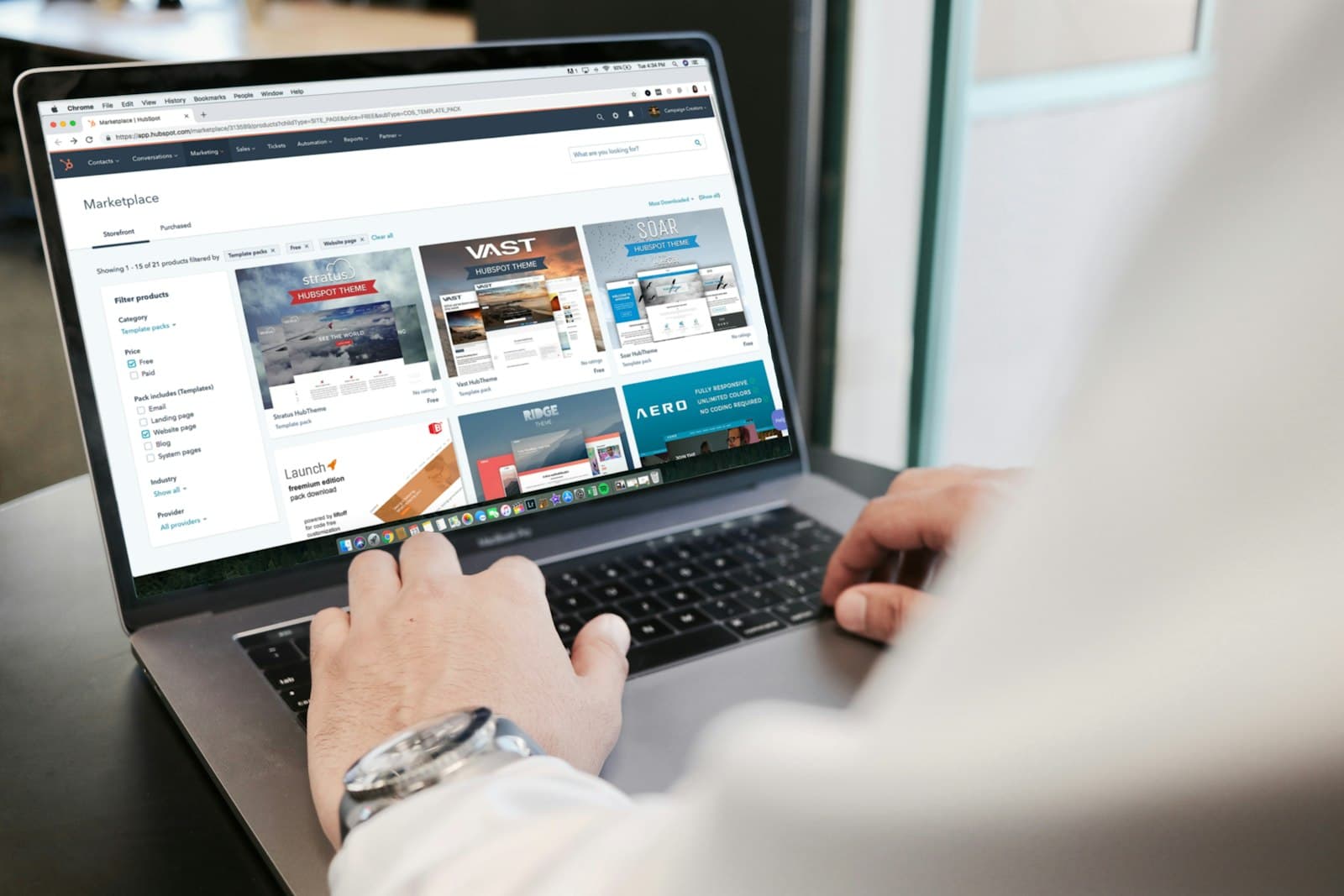
n8n is open-source automation software that connects systems via visual flows. You draw lines between blocks: "if this happens in system A, then do this in system B." No code, just configuration.
Concrete example: your booking system sends a webhook signal with every new booking. n8n receives that signal, pulls guest data, waits 4 days, then automatically sends a pre-arrival email via your email provider (Gmail, Mailchimp, ActiveCampaign, your choice).
Working with a handful of rooms and limited time, this is exactly the kind of work that pays back fastest. How to do it without a tech department is in automating marketing for small accommodations.
When do you start with n8n?
Set up basic flows in your existing PMS first. Once you notice your PMS is too limited, or you want to build flows across multiple systems, n8n is the next step. For most small accommodations that's when you want to run more than 3 flows.
Which tools do you connect?
An email automation stack for small accommodations usually consists of three layers:
- Source: your booking system or PMS (Lodgify, Beds24, Smoobu, Apaleo, or your choice)
- Connector: n8n, Make, or built-in automation in your PMS
- Sender: your email provider (Gmail, Mailchimp, ActiveCampaign)
The source delivers the data: when is someone coming, who are they, what did they book. The connector determines when and what gets sent. The sender delivers the email and keeps statistics.
You don't need all three separate if your PMS already has an email module. But once you want more control over segmentation, timing, or content, it pays to split them.
How these flows keep your guests
Individual emails are useful, but the real win is in the whole. The five flows together create a rhythm that guides a guest from first booking to returning regular customer. Confirmation builds trust, pre-arrival lowers barriers, post-stay gets a review, and win-back brings the guest back a year later. Each step feeds the next.
Calculate it. A guest you persuade to a second booking with a good post-stay email costs you 0 euros in commission if that booking comes direct. At 60 bookings per month at 120 euros that saves you hundreds in OTA costs per month fast. Retention is cheaper than acquisition, and email is the channel where you control that retention.
Want to understand how all email moments fit together and which you set up in which order? Check the full email retention hub. It lists all flows with the logic behind them.
Common mistakes
Set everything up at once. Setting up five flows before you've even tested one is asking for trouble. Start with the confirmation email. Test it on your own address. Adjust it. Then the next one.
Don't do a test booking. Set up your flow, create a test booking in your system, and check if the email arrives, looks good on mobile, and has the right data. What looks good in preview sometimes fails in actual sending.
Create flows and forget them. An automatic email running unchanged for 3 years with outdated info (wrong hours, old phone number, expired link) is worse than no email. Plan 10 minutes each quarter to review your active flows.
Too much text, too little structure. Guests read emails on their phone, often in passing. Headings, bullets, short paragraphs. Not longer than necessary.
No call-to-action. Every email you send has a purpose. What do you want the guest to do? Click the review link, add breakfast, confirm arrival. One action per email. Not three.
Automation saves time, but better yet: it makes you consistent
The real win of automation isn't the hours you save. It's that every guest gets the same attention, even when you're busy, even on Sunday, even in high season. Consistency is the difference between a guest who returns and a guest who just books somewhere else.
What you can do now
Three steps to start:
- Check what your current PMS or booking system can already do. Which emails does it send automatically? Can you customize the text?
- Build the confirmation email first. Read the welcome email that sells for a complete example and structure.
- Then add the pre-arrival email. Read what goes in the pre-arrival email.
Want to know what automated flows concretely deliver you in less manual work and more direct revenue? Calculate it with the savings calculator.
Want to have this set up instead of doing it yourself? See what Hotelmark arranges for you at automation.
Frequently asked questions
What is email automation?
Do I need technical knowledge to set this up?
Does n8n work with my booking system?
What does n8n cost?
Which flow delivers the most?
What's the difference between a PMS and n8n?
How long does it take to set up the five flows?
A concrete tip in your inbox each month
Practical marketing and automation tips for small-scale accommodations. No sales talk, unsubscribe anytime.
Your email address is only used for these emails and never shared. You can unsubscribe from any email. See the privacy policy.