Photos for your hotel website: how your rooms sell themselves
At an accommodation, the image sells. A guest who lands on your site decides within the first seconds based on what he sees, not on what he reads. Are your photos dark, cluttered, or scarce? He'll click away, without you ever knowing.
Why photos directly determine bookings
A guest can read your finest description and still hesitate. But a good photo flattens that doubt instantly. The reverse also holds: no text compensates for a dark photo of an unmade bed.
This isn't theory. Booking.com and Airbnb have shown internally for years that accommodations with more and better photos achieve higher occupancy rates. Not by a small margin: in some categories it's tens of percentage points. And the effect is even bigger on your own site, because there's no algorithm here to compensate for weak images.
Most small accommodations in the Netherlands make the same mistake: too few photos, photos that are too dark, or a room that doesn't show at its best. That's also one of the five mistakes found on 80 percent of Dutch hotel sites, and it's the mistake with the least excuse. You can fix it today.
Photos are one lever on conversion, not the only one. Want the full picture of what turns a visitor into a booker, read how to set up your hotel website for conversion step by step. Images work hardest when the rest of your site supports them.
Which photos you minimally need
Not everything has to happen on day 1, but there's a minimum below which your website chases guests away instead of drawing them in. Use this as a checklist.
| Photo type | Purpose | Tip |
|---|---|---|
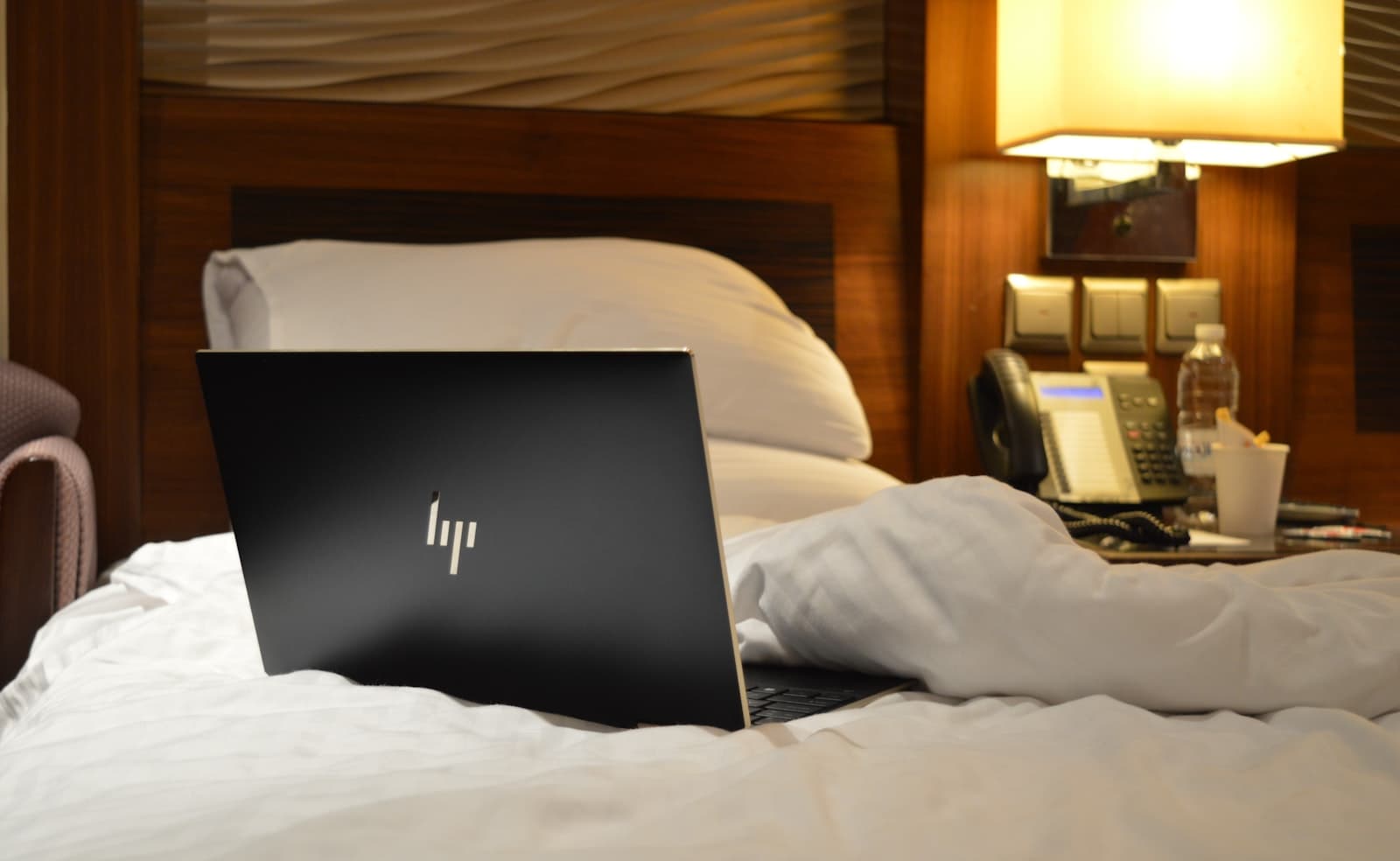
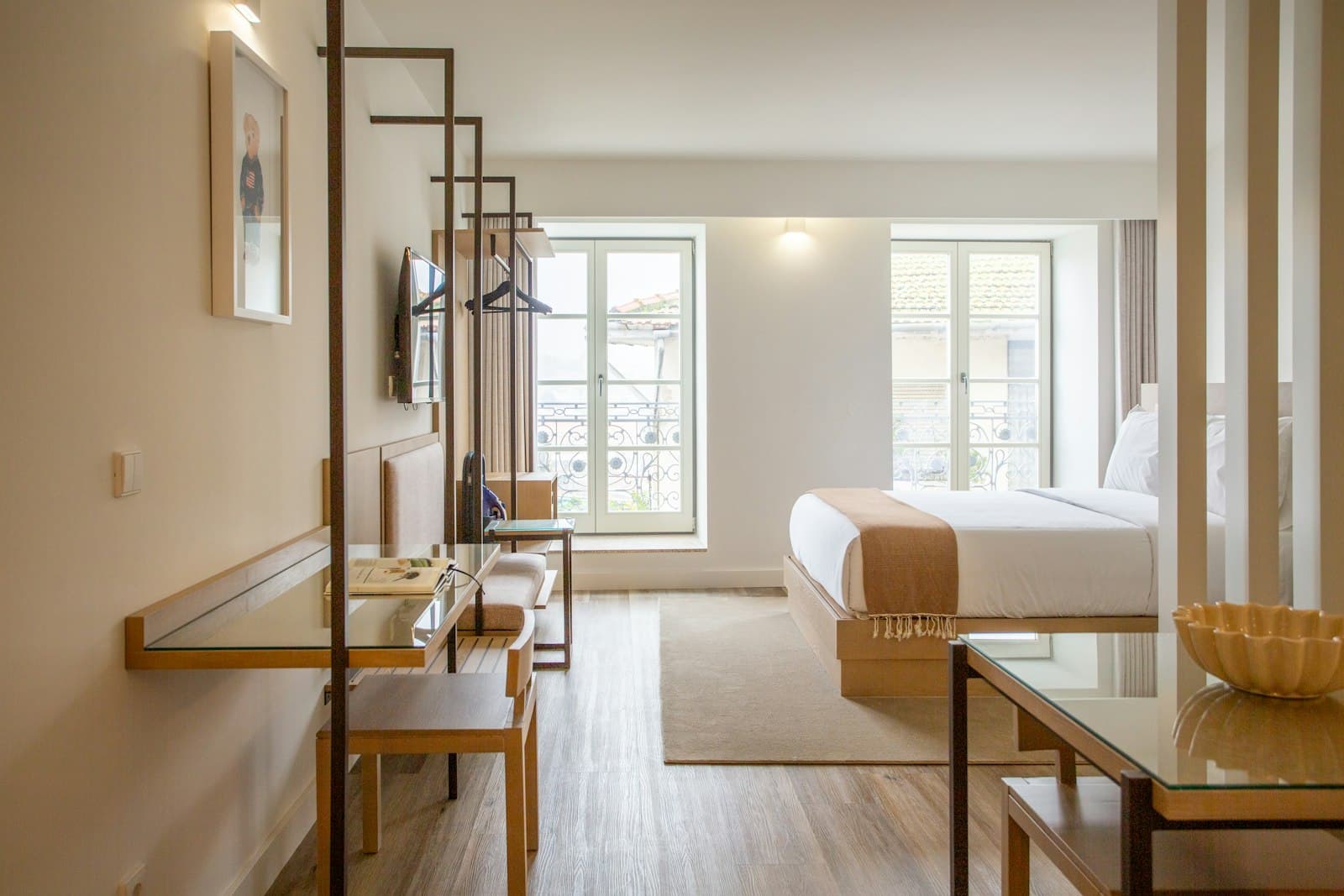
| Overview shot per room type | First impression, decisive | Wide angle, daylight, made bed |
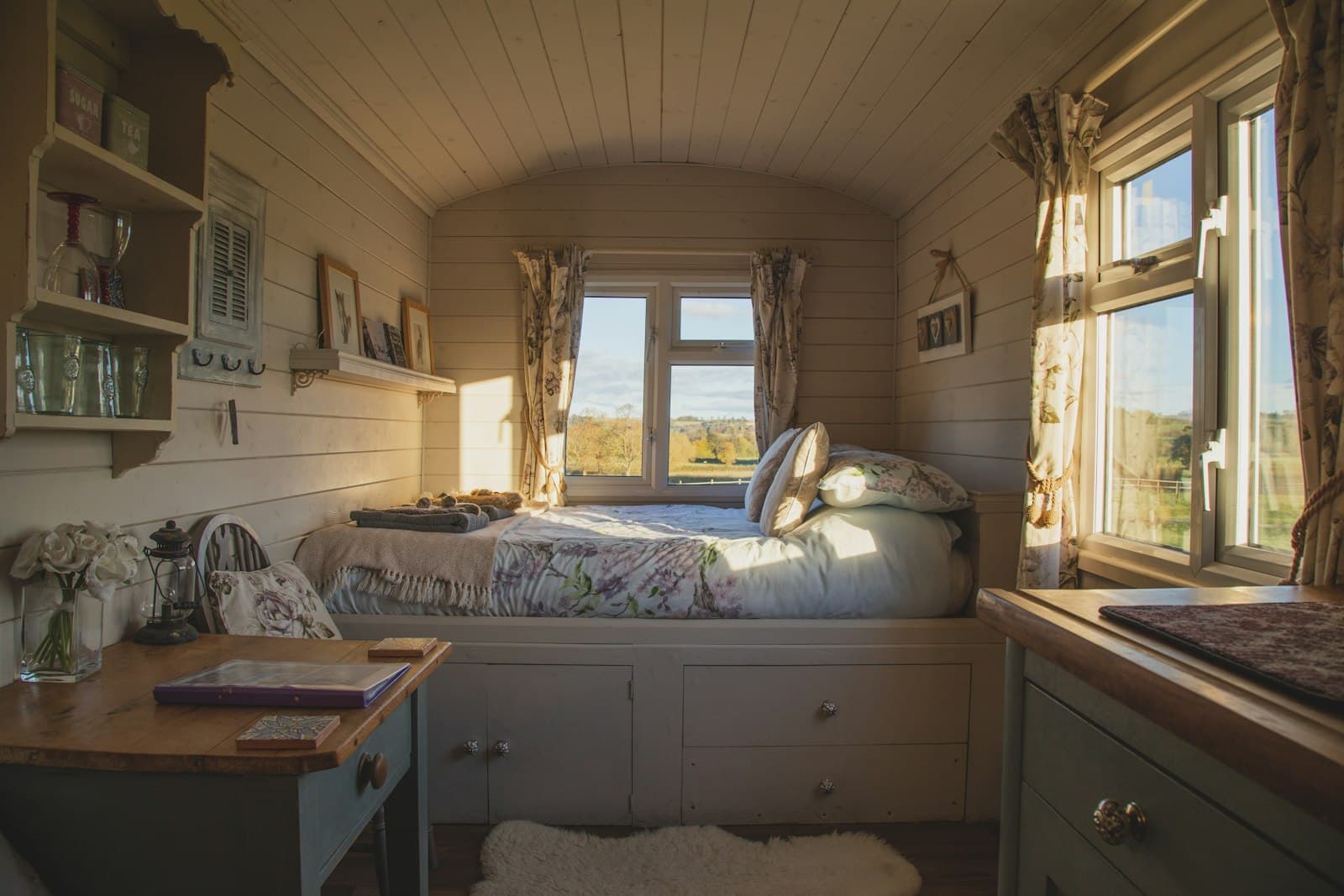
| Detail shot of the room (bed, mood) | Building trust | Straightened pillows, no clutter, soft light |
| Bathroom | Managing expectations | Clean, dry, folded towels |
| Common areas | Atmosphere of the accommodation | Lounge, garden, or terrace in good light |
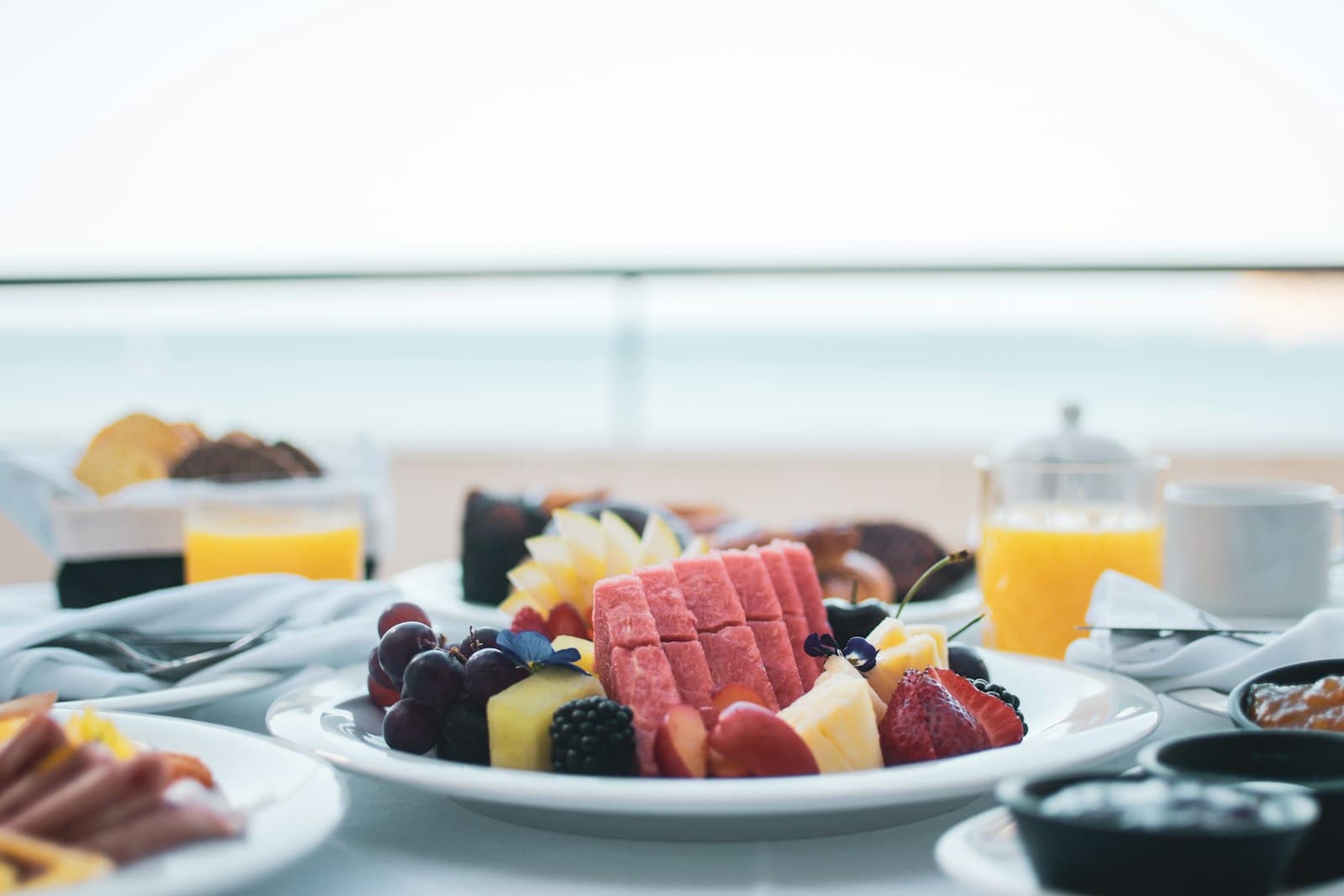
| Breakfast | Selling point for staying overnight | Plated dish, natural light |
| Surroundings | Dream trigger, keyword relevant | Beach, village square, nature 10 minutes away |
Have multiple room types? Then the first three rows apply per type separately. A guest looking for a double room who sees a single room clicks away. Label your photos clearly.
Phone or photographer
You don't need an expensive shoot to get started. An iPhone or recent Android phone, in daylight and in a tidy room, achieves a quality that on a website you can't tell apart from professional work.
What matters:
- Daylight is everything. Shoot during the day, curtains open, artificial light off or supplementary. Evening light or fluorescent light turns any room yellow and cheap-looking.
- Actually tidy up. Every loose cable, every personal item, every crease in the bedspread draws the eye. Take five minutes to strip the room down to what you want to show.
- Shoot from the corner. Go to a back corner of the room and shoot toward the opposite diagonal. This gives space and depth, even in small rooms.
- Eye level, not looking up. Shoot at the height of a standing person or slightly lower, never up toward the ceiling. Shooting upward makes rooms look small and cheap.
- Turn off HDR on your phone. HDR mode mixes up highlights and shadows and produces surreal colors. Turn it off for interiors.
A professional photographer pays off once you have the budget and know which rooms are your best sellers. Start with phone photos, replace them once you have the room in the budget. Bad photos now cost you bookings every day, don't wait on that.
The order on your website matters
You've taken good photos. Now the order, because it isn't random.
Guests scan the first three photos and decide from there whether they look further. What works:
- Best room in overview. This is your strongest card: play it first.
- Mood or detail shot of that same room.
- Common area or garden that reinforces the feeling.
- Breakfast.
- Other rooms, each with its own overview shot.
- Surroundings as the closer.
Don't put an exterior shot or logo image first. Those don't sell the booking. Always start with the room that stands out the most.
The first photo carries the most weight
The first photo in your gallery determines whether a guest scrolls further or closes your site. Swap out your weakest first photo for your best one today. It costs zero budget.
Compressing for speed
Good photos are worthless if they slow down your site. A 4 MB photo makes your page heavy, and on mobile a guest bounces if your site takes more than three seconds to load. Load time is one of the most underrated problems on hotel sites.
What you do:
- Export photos at a maximum of 1400 to 1600 pixels wide. Larger has no benefit on a screen.
- Use WebP format instead of JPEG. WebP is 25 to 35 percent smaller at comparable quality and is supported by all modern browsers.
- Compress via Squoosh (free, browser-based) or TinyPNG. Aim for 150 to 350 KB per photo.
- Give every photo file a descriptive filename before upload:
double-room-garden-view.webpinstead ofIMG_4823.jpg. That helps search engines understand what's in it.
Test your speed after upload with Google's PageSpeed Insights. Photos are almost always the biggest culprit when a site runs slow.
Common mistakes
- Cluttered background. A guest looks at everything in frame. A suitcase in the corner, a charger on the nightstand, or a wet towel on the edge of the bathtub are enough to break trust.
- Mirror in frame. Never shoot straight at a mirror. You end up in the reflection and it looks amateurish. Shoot at an angle from the corner.
- All photos of the same room type. If you have three room types and only show your cheapest room, the guest books that cheapest one or looks elsewhere. Show every type.
- No bathroom photo. Guests want to see the bathroom. No photo leads to questions and hesitation, or to disappointment on arrival. Both are bad for your reviews.
- Photos not kept up to date. A room you renovated but still shown with old photos loses value. Replace photos after every renovation or restyling.
Good photos aren't a one-time investment
A room you renovated last year but that's still shown with two-year-old photos on your site gets marked down without you knowing. Plan fixed replacement moments: after every renovation, every spring before high season.
One consistent image style instead of scattered shots
Scattered good photos help, but a set that resembles itself sells stronger. A guest scrolling through your gallery and seeing the same light, the same warmth, the same calm each time gets the feeling that the whole accommodation is on point. If the style jumps from photo to photo, it feels messy, even if each photo is fine on its own.
Three things keep your set consistent. Photograph everything on the same day, or at least in the same type of light, so the color tone doesn't shift per room. Pick one edit and apply it to every image: the same warmth, the same contrast, no filter on one and nothing on the other. And keep your framing consistent, always from the corner at eye level, so the rooms look comparable to each other.
That recognizability is part of your brand. How you build a strong brand for your accommodation starts exactly here: with what a guest sees first. One clear image style saves later hesitation at the moment of booking.
What you can do now
Start today by checking your current photos. Are any of them dark, cluttered, or outdated? Replace those first.
Haven't covered every room type yet? Plan a morning, wait for good light, tidy the rooms, and shoot the basic set with your phone. Add breakfast and surroundings shots once you have them.
Make sure your photos also load fast after optimization. For that, read how to improve your hotel site's load time and check what a hotel website minimally needs if you're unsure your foundation is in order.
Want to know what better conversion is worth to you in direct bookings? Calculate it with the savings calculator. Or have it fully arranged via website bouwen.
Frequently asked questions
How many photos do I minimally need per room type?
Can I take good hotel photos with a phone?
Which photo delivers the most bookings?
How do I compress photos without losing quality?
Should I hire a professional photographer?
What order of photos works best?
Do all my photos need the same style?
A concrete tip in your inbox each month
Practical marketing and automation tips for small-scale accommodations. No sales talk, unsubscribe anytime.
Your email address is only used for these emails and never shared. You can unsubscribe from any email. See the privacy policy.