Setting Up Google Business for Hotels and B&Bs
Every month, thousands of Dutch people search for 'hotel Zeeland', 'B&B Amsterdam center', or 'glamping Veluwe'. Most small accommodations don't rank at the top, even though they could do it for free.
Why This Is the Free Channel with the Highest ROI
Google Business Profile, until recently called Google My Business (GMB), is your free business profile in Google Search and Google Maps. It's the blue map block that appears at the top when someone searches for accommodations in your region.
That map block sits above regular search results. If your profile is properly set up, you appear there, not Booking.com. And when the guest clicks on your name, that click costs you zero dollars.
A fully filled profile is also the fastest way to improve your ranking in Google Maps. Two hours of work once gives you a visibility advantage that continues to pay off every year. No advertising budget, no commission.
The reality is most profiles are half-empty. Wrong category, no current photos, no answers to questions. Those are gifts for the accommodation that does it right.
Common Mistakes Before You Start
Three mistakes come up repeatedly and cost the most ranking room.
Mistake 1: Wrong category. A B&B registered as a 'Hotel' ranks worse on 'B&B Utrecht' than a competitor with the correct category. Google knows the search and matches it to the category. Always pick the category closest to your actual offering.
Mistake 2: Inconsistent contact info. Contact info stands for name, address, and city. If you write 'Bed and Breakfast The Mill' on your website, 'B&B The Mill' on Google, and 'The Mill' on Booking, Google sees three different businesses. Consistent means: exactly the same spelling everywhere you appear.
Mistake 3: A profile that's never maintained. Google registers activity as a ranking signal. A profile untouched for months gets less priority than a profile where the owner regularly uploads photos, responds to reviews, and answers questions.
Action Plan: From Zero to Complete Profile
Step 1: Claim and Verify
Go to business.google.com and search your business name. If your profile already exists (which is often the case, Google sometimes auto-creates profiles from address data), claim it. If it doesn't exist, create it.
Verification usually works via a postcard with a five-digit code to your business address. That takes 5 to 14 days. Request that code immediately because without verification your changes are limited.
Step 2: Choose the Right Category
This is the most impactful decision. Pick as main category:
- Bed and breakfast: if you include breakfast
- Hotel: only if you deliver full hotel service (reception, daily housekeeping)
- Hostel: for dormitories or shared accommodations
- Vacation rental or vacation home: for self-catering without services
- Glamping: if glamping is the core of your offering
Then add supplementary categories. You can set multiple categories. Think 'Breakfast place' if you also serve external guests, or 'Conference center' if you rent meeting rooms.
Step 3: Contact Info and Consistency
Fill in name, address, and phone number exactly as they appear on your website. Then check your website, social media, Booking listing, and any directories. Are they all the same. Then you strengthen Google's trust in your data.
Also set your website URL and, crucially for direct bookings, a booking link. If you use your own reservation system, provide the direct booking URL. That's the link guests use who see your profile and want to book straight, outside the platform.
Step 4: Hours of Operation
Fill in your regular hours and set exceptions on the calendar for holidays and closures. A profile showing 'closed' on Christmas while you're open raises distrust. Google also shows 'open today' or 'closes at X' directly in search results.
Step 5: Photos and Video
Photos are first impression. Google ranks profiles with more and fresher photos higher. Minimum:
- Logo and cover photo: your cover photo is the first thing the guest sees in Maps. Use a sharp photo of your best room or exterior.
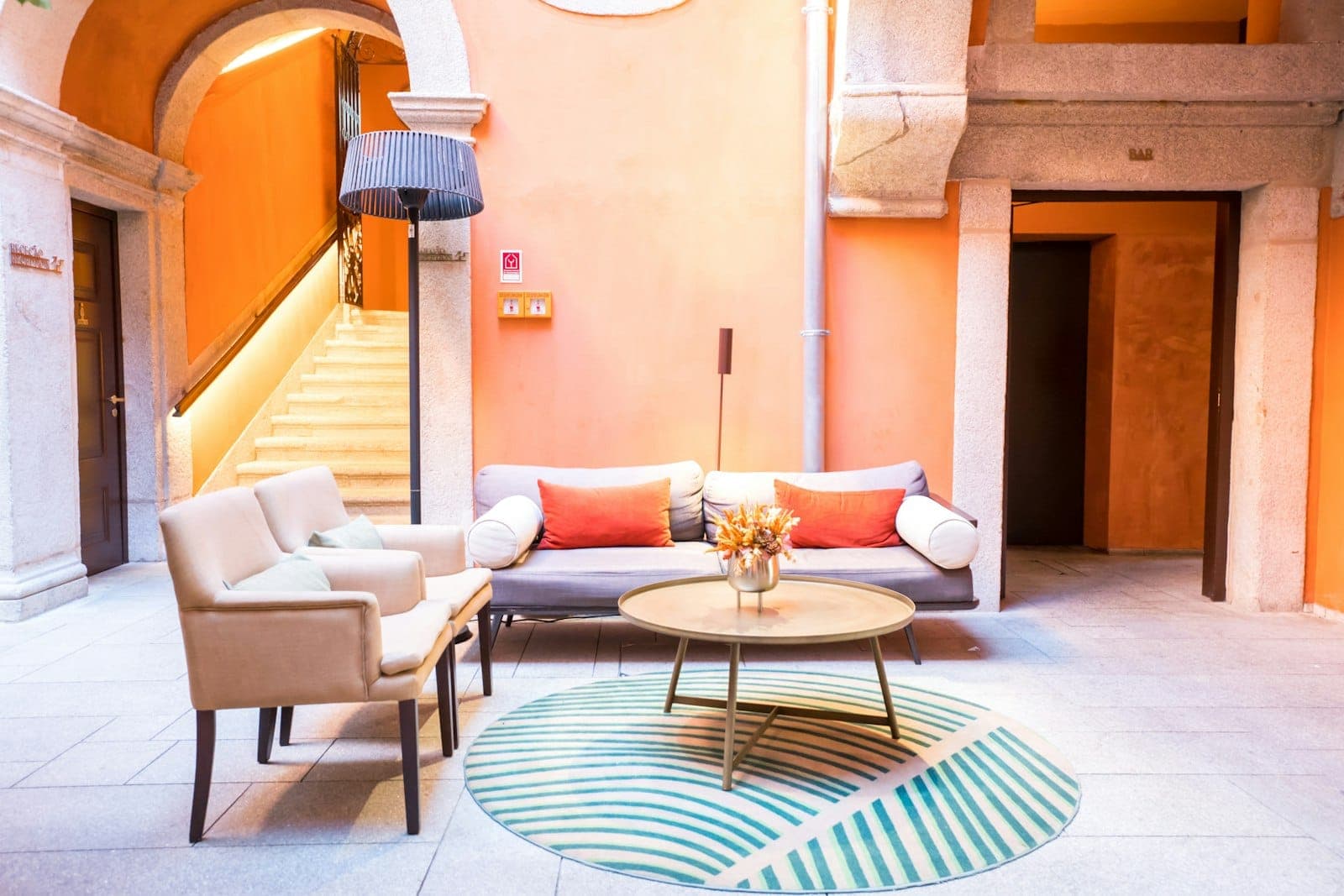
- Per room type: at least two photos in daylight, wide angle so the space looks big.
- Common areas: breakfast area, lounge, terrace, garden.
- Surroundings: the immediate surroundings if attractive, because searches are often location-based.
Upload photos at least once per quarter. That's enough to send the 'active' signal.
Step 6: Features and Amenities
Google offers category-specific features. For accommodations these are things like:
- Free wifi
- Free parking on property
- Family-friendly
- Pets welcome
- Wheelchair accessible
- Breakfast included
Check everything that applies. Guests filter in Maps on this type of feature. If you haven't checked 'pets welcome' but you do accept them, you miss everyone filtering on that.
Step 7: Question and Answer Section
In your profile guests can ask public questions. You can also fill in the most common questions yourself without waiting for someone to ask. Add at least three:
- What are your check-in times?
- Is there free parking?
- Are pets welcome?
Always answer guest questions within 24 hours. An unanswered question is seen by everyone viewing your profile.
Step 8: Google Posts
Google Posts are short messages visible on your profile, similar to a social media post but directly in search results. Use them for:
- Seasonal offer or direct-booking discount
- A local event in your area
- Announcement of a renovated room or new facility
Posts are visible for 7 days, Offers longer. Plan at least one post per month. It takes five minutes and is one of the few ways to direct action from your profile.
Step 9: Collecting and Responding to Reviews
Reviews are the strongest ranking factor for local searches. More reviews, higher average, and active owner responses: all three have an effect.
Ask for reviews actively. The easiest way is to send a direct link after the stay. Go to your profile, click 'Get review link,' and copy the link. That link opens the review form directly without the guest having to search.
Respond to every review, even the negative ones. A professional response to a negative review is as valuable to other readers as the review itself. How to bring in reviews is in collecting reviews on Google, and how to respond calmly and factually to a bad score is in responding to negative reviews.
Sending a direct review link works
Guests who get a direct link after checkout leave a review four times more often than guests who only get a general request. Automate it in your reservation system or send it manually a day after departure.
Checklist: Is Your Profile Complete?
Use this overview to check what's already right and what's still missing.
| Item | Why Important | Status |
|---|---|---|
| Profile claimed and verified | Unverified profile shows limited info and ranks lower | To do / Done |
| Correct main category | Wrong category = less relevant searches | To do / Done |
| Contact info consistent with website | Inconsistency harms Google's trust in your data | To do / Done |
| Booking link set up | Guests coming via Google can book directly | To do / Done |
| Hours including exceptions | Incorrect hours lead to unnecessary calls and distrust | To do / Done |
| Cover photo replaced with your own | First impression in Maps, Google otherwise chooses a photo | To do / Done |
| Minimum 10 photos present | Profiles with more photos get more clicks | To do / Done |
| All relevant features checked | Guests filter on features, you miss them if unchecked | To do / Done |
| Q&A filled with 3 of your own questions | Don't leave the information to random visitors | To do / Done |
| Latest Google Post less than 30 days old | Activity signal for Google, also visible to visitors | To do / Done |
| Minimum 10 reviews present | Below 10 reviews, your average carries less weight | To do / Done |
| All reviews answered | Unanswered reviews cost trust with new visitors | To do / Done |
Common Mistakes in Practice
Creating a profile and never opening it again. Google Business Profile is not a set-it-and-forget-it system. It needs 10 minutes monthly: upload a photo, write a post, answer reviews. You'll notice that difference in ranking.
Photos from the contractor's phone. Construction photos, photos of empty rooms, or snapshots of breakfast on a gray day don't belong in your profile. Every photo you upload is advertising. Would you put it on your website. If yes, it belongs there.
Not distinguishing between main category and supplementary categories. The main category has the most ranking power. It must be exactly right. Supplementary categories are for secondary activities. Don't make competing categories: if you're a B&B, don't also set 'Hotel' as main or supplementary category.
Not updating contact info after a name change or move. Every time something changes about your name, address, or phone number, update it everywhere at once: Google, website, Booking, TripAdvisor, social media. An old phone number lingering somewhere costs you guests.
Not responding to the first negative review. It's exactly the first negative review you don't answer that draws attention. Future guests always read low scores first. A calm, factual response neutralizes the damage. No response strengthens it.
Dormant profile is a risk
Google can change data on an unmaintained profile based on third-party data or user suggestions. Someone can suggest wrong hours and they get implemented if you never log in. Check your profile at least once a month.
How Your Profile and Website Strengthen Each Other
Your Google Business Profile doesn't stand alone. Google compares the data on your profile with the sources around it, and your own website weighs most heavily. If your name, address, and phone number on your homepage match your profile exactly, Google confirms it's the same business and gives your profile more trust.
That works both ways. A guest who sees you in the map block often clicks through to your website before booking. If that site is slow, unclear about your rooms, or missing a price, the guest drops off and falls back to the platform. A profile that attracts traffic to a weak site wastes that traffic.
Make sure your site has the basics right: a clear title per page, your address in the footer, and rooms with price and photos. How to build that is in the SEO basics for your hotel site. Profile and site together, not separately, determine if a guest books directly with you.
What You Can Do Now
Creating or claiming the profile is step one. After that the order is simple: check category, make contact info consistent, update photos, check features, activate reviews.
For the next layer, how Google determines which accommodations rank locally highest, read ranking factors for local SEO. Want to see the full picture of where guests find you before they book. Start at the visibility hub, the overview of all free channels that together determine your reach. If you want to see how many visitors you're already getting via Google and where they drop off, Google Search Console for hoteliers is the starting point. And for the technical layer below, structured data that tells Google directly what kind of business you are, read schema markup for hotels.
Want to know how many direct bookings you're losing and what they cost you. Use the savings calculator. Prefer someone to set up and maintain your profile. We do that via marketing for hotels.
Frequently asked questions
What exactly is Google My Business?
Which category do I choose for a B&B?
How do I verify my profile?
How often should I upload photos?
Does Google My Business really help against Booking.com?
My contact info appears in multiple places. Which is primary?
Does my profile work without its own website?
A concrete tip in your inbox each month
Practical marketing and automation tips for small-scale accommodations. No sales talk, unsubscribe anytime.
Your email address is only used for these emails and never shared. You can unsubscribe from any email. See the privacy policy.