WhatsApp Business for hotels: faster contact, more direct bookings
On average a WhatsApp message is opened by 98 percent of receivers within 3 minutes. An email hits 20 to 30 percent. That difference is why guests prefer texting, and why fast answers on WhatsApp deliver direct bookings that otherwise go to Booking.com.
This article explains step by step how to set up WhatsApp Business (free business WhatsApp app with business profile, quick replies, labels, and catalog) for guest contact and direct bookings. No big investment, just a system that works.
The problem with being unreachable
A guest considering booking has a question. Is there parking? Can he check in early? Are pets welcome?
If he wants to ask you, there are three ways: call, email, text. He won't call anymore unless he has to. Email takes too long if he wants to know now. Texting is what he's used to.
If you're not reachable on WhatsApp, he does what most guests do: he goes to Booking.com and books there. Not because he wants to, but because the answer comes fast and booking is done in two clicks.
That's the problem. A guest who found your site and knows your name books through the platform anyway. And you pay commission on a guest who was nearly yours.
Setting up WhatsApp Business: the base steps
WhatsApp Business is free to download for Android and iOS. It's a separate app from regular WhatsApp, which you can run alongside on the same device with a different number.
1. Create your business profile
After install you set up a business profile. That's what guests see when they open your number. Fill in:
- Business name (your accommodation name, not a person's)
- Category (hotel or travel)
- Description (two sentences: what you are and where)
- Address with map pin
- Website (direct link to your booking page, not homepage)
- Hours (flexible is fine, give a range)
- Email as fallback
A complete profile builds trust. A guest searching your name sees right away it's a real business.
2. Greeting and away message
The greeting message goes automatically to everyone messaging you for the first time. The away message goes outside your set hours.
Good greeting: confirm receipt, say when you're back, answer the most common question upfront. Three sentences.
Bad example: "Welcome to Hotel The Bridge! We're happy to help. Our team is ready for you."
Good example: "Thanks for reaching out. We usually reply within an hour during office hours (9 to 6 p.m.). Quick question: check availability directly on our site at [link]."
The away message does the same work outside hours. Say when you'll reply the next day.
3. Set quick replies
Quick replies are pre-written text you pull up with a slash command. Type /parking and the parking text is ready. One click to send.
Set quick replies for the questions you get daily:
| Command | Content |
|---|---|
/parking | Explain parking, costs, reservation needed or not |
/check-in | Check-in times, how key handover works |
/pets | Pet policy, any surcharge |
/breakfast | Times, included or not, options |
/cancel | Link to cancellation policy and instructions |
/book | Direct link to your booking page |
Six quick replies solve half your daily messages without typing each answer fresh. The /check-in reply works extra well if you already handle key handover via self check-in and online check-in: one message sends access code and explanation.
4. Use labels
Labels are colored tags you put on conversations to sort them. A few come preset (New customer, New order), but you customize them.
Handy labels for an accommodation:
- Arriving this week: guests coming soon
- Quote given: guest asked price, no booking yet
- Booked direct: guest booked via WhatsApp (good to track)
- Review asked: after stay, to track who you've asked
Labels cost no extra time once you tag after each chat. They save time finding things later.
5. Make a catalog
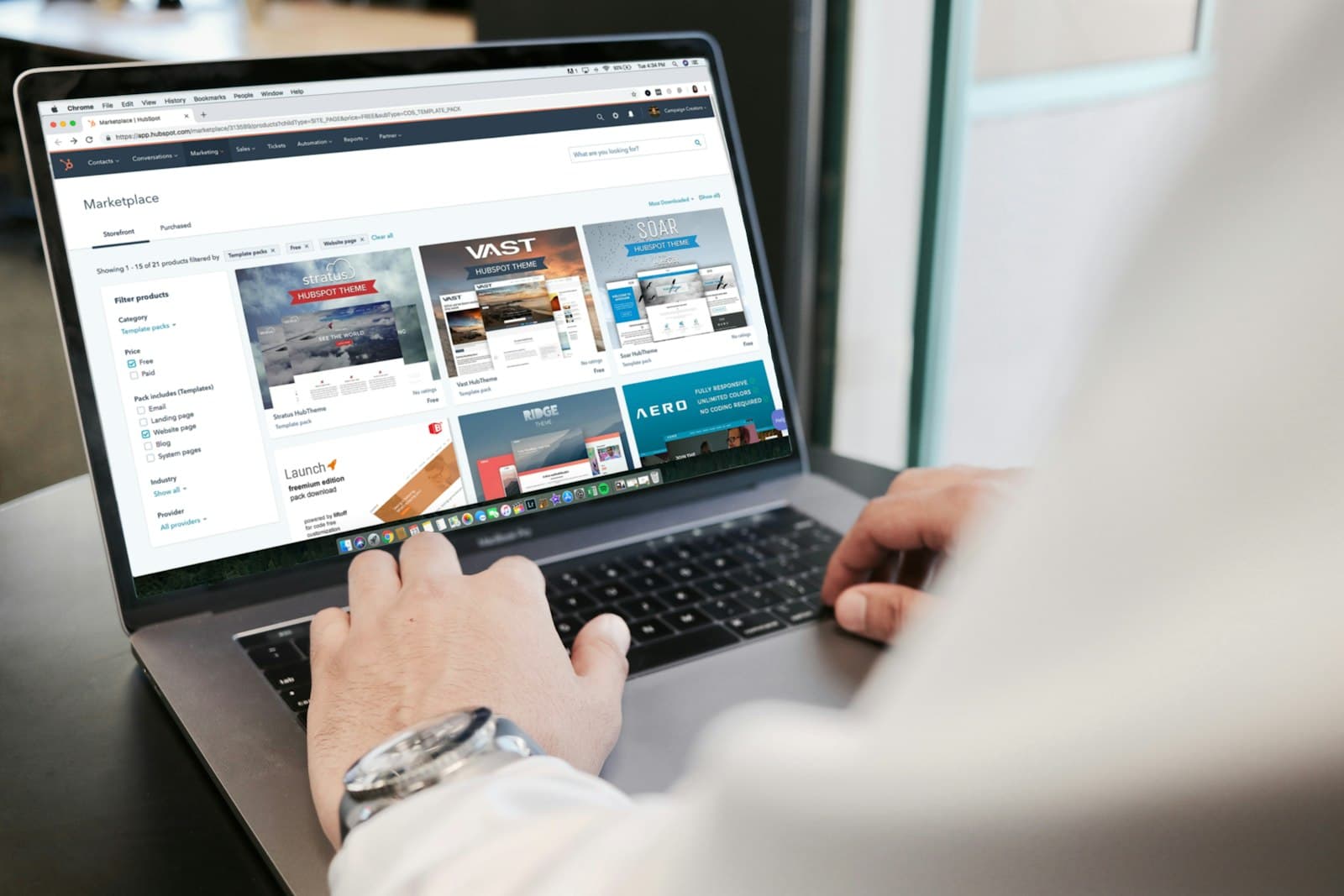
The catalog shows your rooms, packages, or services as a product list inside WhatsApp. A guest scrolls through without opening your website.
Add per room or package: name, photo, description, price (or "price on request"), and a link to its booking page.
This works well for packages you offer direct via WhatsApp. Guest asks about a package, you send a catalog item, he clicks through to book direct. No commission, no detour.
Building a simple FAQ flow
An FAQ flow is quick replies and a greeting message together catching most questions before you answer.
The logic is simple:
- Guest sends first message.
- Greeting goes automatically back with response time hint and link to FAQ or booking page.
- If guest asks something specific after, you use a quick reply.
- Only for complex or personal questions do you type a custom reply.
Half the questions answered without your lifting a finger. The other half takes 20 seconds thanks to quick replies.
Fast reply beats the OTA
Booking.com replies in your name if you don't answer. They send a template and keep the guest on platform. You reply within an hour via WhatsApp with a personal answer and direct booking link. Who wins that booking?
Connecting WhatsApp to your workflows
WhatsApp doesn't stand alone. How you link it to other tools determines how much time it saves. An overview of what connects is in the automation tools hub for accommodations.
Good combinations:
- WhatsApp plus email: guests who texted you get a review request email after stay. Read how to automate pre-arrival and post-stay emails. WhatsApp is one channel in something bigger: how to automate marketing for small accommodations.
- WhatsApp plus booking link: when a guest asks if there's availability, send a direct link to your availability check. Not "let me check and get back to you", instant action.
- WhatsApp plus n8n: with the WhatsApp Business API (the paid business version) you automate message flows via n8n for hoteliers. The free app is enough for most small places for now.
Want to know which tools work well together in daily operations? Read the tools hoteliers use daily.
Privacy and permission: what you need to know
WhatsApp falls under privacy law. Sounds complex but in practice it's straightforward.
You can send messages if:
- The guest messaged you first (then they gave permission by reaching out).
- The guest gave explicit permission at booking, like adding his number with a request to contact via WhatsApp.
You can't:
- Proactively send text messages to previous guests without permission, even for promotions.
- Upload numbers to a broadcast list without opt-in per receiver.
The practical solution: add a checkbox to your booking form. "I agree to be contacted via WhatsApp about my stay." That's all you need for guest contact around their booking.
Broadcast versus regular messages
With the free app you can send broadcasts to contacts who have you saved in their phone. That's few guests in practice. For targeted messages to bigger groups you need the WhatsApp Business API. Think about that once your volume justifies it.
Common mistakes
Using your personal number. Guests who text you outside office hours because they happened to know your number set a boundary you can't easily reset. Use a business number you can turn off.
No greeting message set. A guest who texts and hears nothing thinks his message didn't send. An auto greeting takes two minutes to set.
Not updating quick replies. Your hours change, your parking situation changes, your prices change. Who sets quick replies and forgets them sends guests wrong info. Plan 10 minutes quarterly.
No link on your site. WhatsApp Business has no value if guests don't know how to find you. Put a wa.me link on your contact page, in your site header, and in your email signature.
Only replying, never starting. A guest on the fence about a booking you can text a day or two later: "Any questions about availability?" That's not spam, it's service. And sometimes lands a booking.
How much faster replies bring
Calculate with your own numbers. Say you get 40 questions per month and 30 percent become Booking bookings because your answer is late. That's 12 bookings. At 120 euros per booking and 2 nights, that's 2,880 euros volume. Booking takes 15 percent commission, so 432 euros per month lost.
Catch half of those guests via WhatsApp before they go to the platform? You keep 216 euros per month. Over a year that's 2,592 euros for a free app and an hour setup.
Numbers are examples; your situation differs. The point stands: every guest you book direct via WhatsApp before he goes to platform is a guest commission-free. Speed is literally money.
What you can do now
Three steps to go live this week:
- Download WhatsApp Business, make a business profile, set greeting message. Takes 20 minutes.
- Set six quick replies for questions you get most. Look at last month's inbox for those.
- Put a wa.me link on your contact page and test it on your phone.
Want to see what faster guest contact and more direct bookings actually brings you? Calculate in the savings calculator.
Would you rather have this set up including connection to your existing tools? See what Hotelmark does at automation.
Frequently asked questions
What is WhatsApp Business?
Can I just message guests on WhatsApp?
What's the difference between WhatsApp Business and regular WhatsApp?
How do I put a WhatsApp link on my website?
Can I connect WhatsApp to my booking system or n8n?
What should go in my greeting message?
How many direct bookings does WhatsApp really deliver?
A concrete tip in your inbox each month
Practical marketing and automation tips for small-scale accommodations. No sales talk, unsubscribe anytime.
Your email address is only used for these emails and never shared. You can unsubscribe from any email. See the privacy policy.